
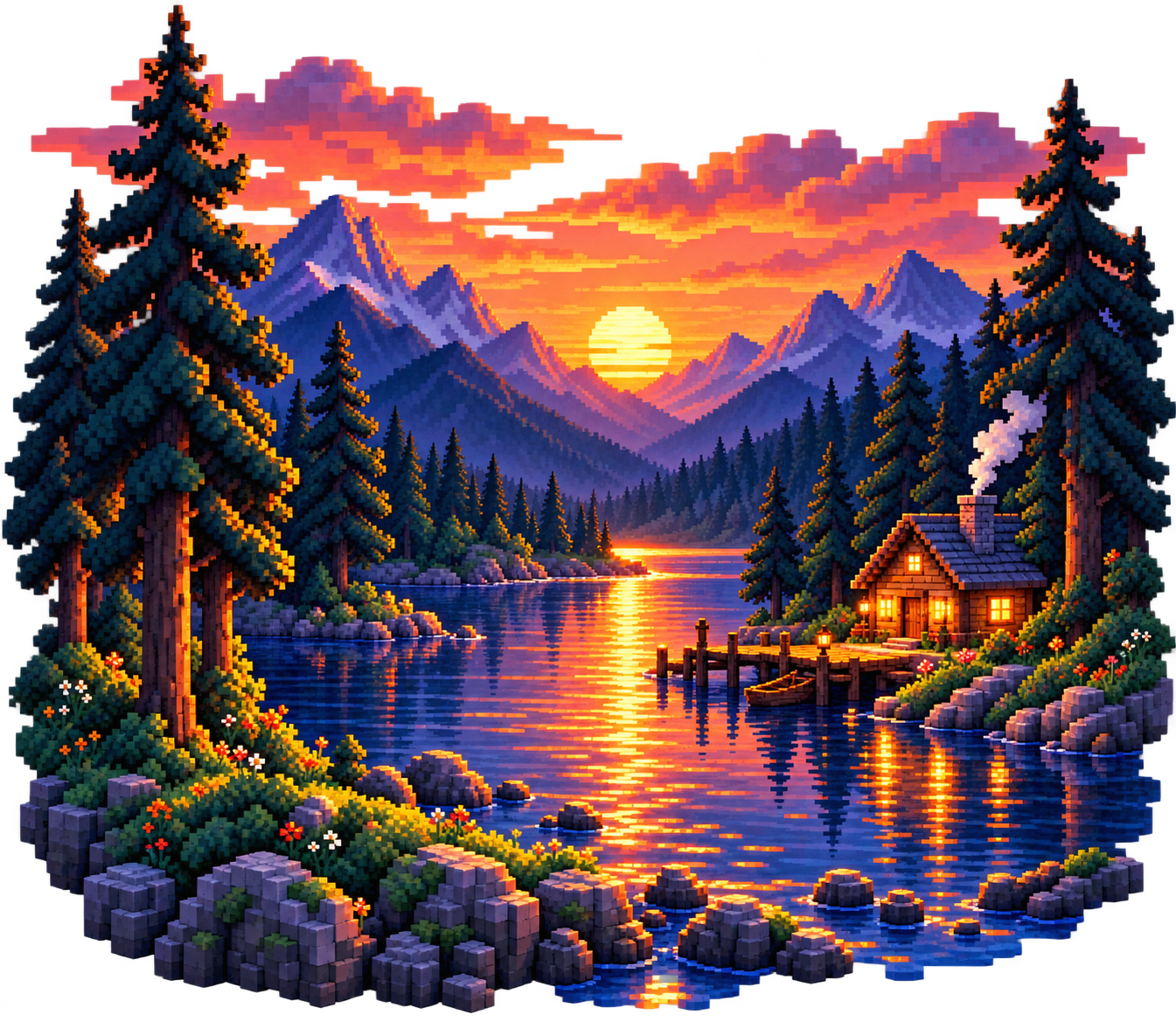
Where do you start making pixels?
Select one object for your first study: a house, like a cup or a leaf. Keeping the subject simple allows you to learn how and how to learn color relationships without dealing with a lot of detail at the same time.
First, think about where the drawing will be used. The needs of a small icon and a detailed landscape are different. Select the canvas according to its purpose; it does not mean that more pixels alone are a better drawing.
Study canvas and drawing bases →Create silhouette before details
Draw the object in one color and examine it in a small size. If you draw a house, the roof, the walls, and the door must be selected from each other. If the main shape is not understood, correct the ratios instead of adding glitter or tissue.
When drawing round sides, place consciously the pixel steps, compare the rhythms of both sides if there's a hard, soft transition on one side. Check the medium axis on the symmetrical objects.


Start with a few colors
Select a main color, a dark shadow and a light tone. Set the colors for the outline and small details. In the beginning, use the current colors instead of adding different colors to each region.
The sample uses warm yellow walls, coral roofs and blue windows, and dark edges indicate the home's main shape.
Explore palettes with copyable hex codes →Draw a house step by step
We're developing the same shape in three stages, first create the outer line in the canvas, then paint the closed area and then place the last light.
Set the shape
First form the basic shape with black pixels.

Insert colors
Fill the sealed space with your main color.

Add light and shadow
Add clear and dark tones for depth.
Suppose the light comes from the top left. Use the light pixels on the upper left side, the darker to the right. The reflection doesn't have to cover the entire outline; a few controlled open pixels may suffice.
Zooming makes it easier to place; you have to evaluate the reading of the drawing to the extent it will be used.
Clear unnecessary pixels in last check
Look at the shape-separated points, the involuntary thick edges, and the close colors, and see if each pixel has a function of shape, light or detail.
Remove the erasers, reuse the current colors with the droplets. Export the result to PNG; save your project file to protect your editable work.
Learn the PNG export steps →Do three little exercises with the same drawing
Change shape
Draw the bottle wider or longer, just by keeping the colors still, see how the ratio changes the view.
Change the light direction
Move the light to the right top of the same siluette, remodulate the open and dark areas according to the new light direction.
Try another palette
Try warm oranges or cool blues in place of the original colors. Check that the lights and darks stay distinct.
Frequently asked questions
Do you need to know the drawing for Pixel's art?
You can start with simple objects. Knowledge of shape, ratio and light helps with time; you don't have to draw a detailed scene in the first attempt.
Why does my drawing look so complicated?
The extra color or detail may be hiding the main shape. Study the drawing as a single color silhouette, remove unnecessary points and check the contrast.
Can I work on the reference?
As you learn, you can study shape and light relationships, copy and do not present someone else's work as your original work; check the conditions for sharing and use.
How soon can I find out?
There is no fixed period of time. Regular work with small goals helps to evaluate the development of different rates and light trials in the same example.