Meet by invitation
Who will attend
you decide.
Discover pixel art. Create on your own canvas
or share one with friends.
Select your canvas, place your first pixel.
Create a room or join with an invite code.
TO PRODUCE TOGETHER
Invite a friend.
Bring your ideas together on the same canvas. Return together another day to the world you started today.
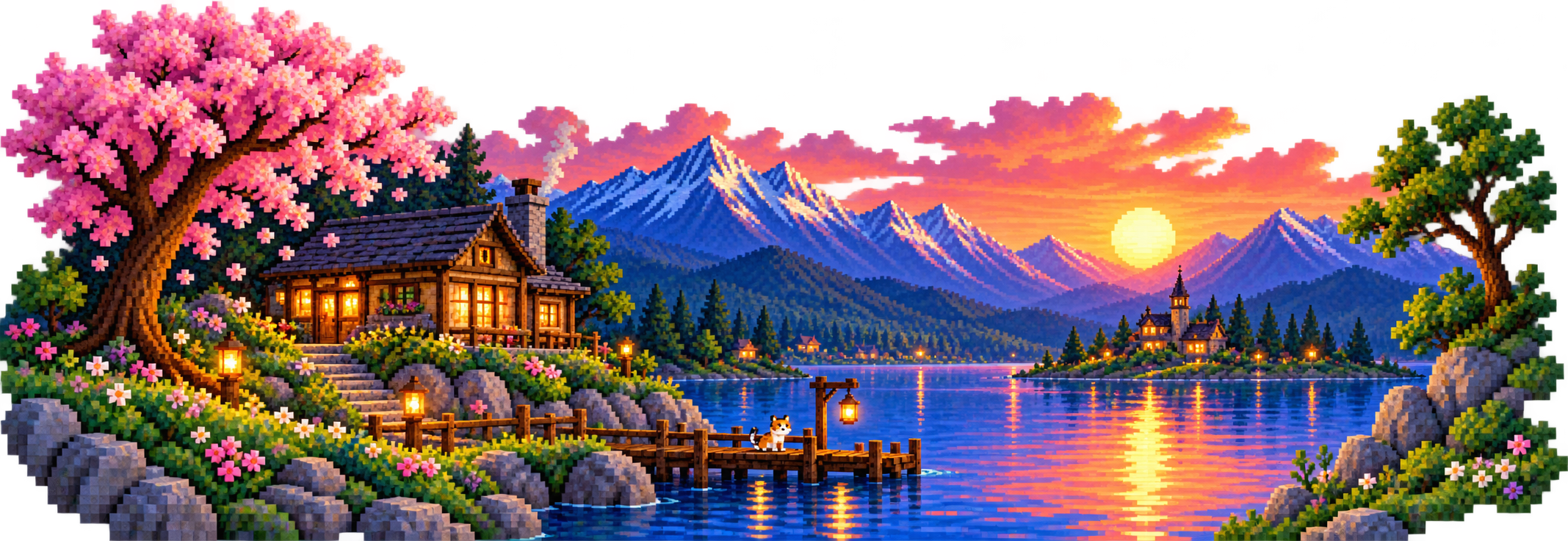
Who will attend
you decide.
Your ideas on the same canvas
make room.
Get back to your collaboration
return.
ON HIS OWN CANVAS
Choose your color, draw your first line.
Unlock the tools you need;
Let the rest be left to your opinion.
Pencil, eraser and undo.
Select from the palette or sample from the canvas.
Zoom in, shape pixels one by one.
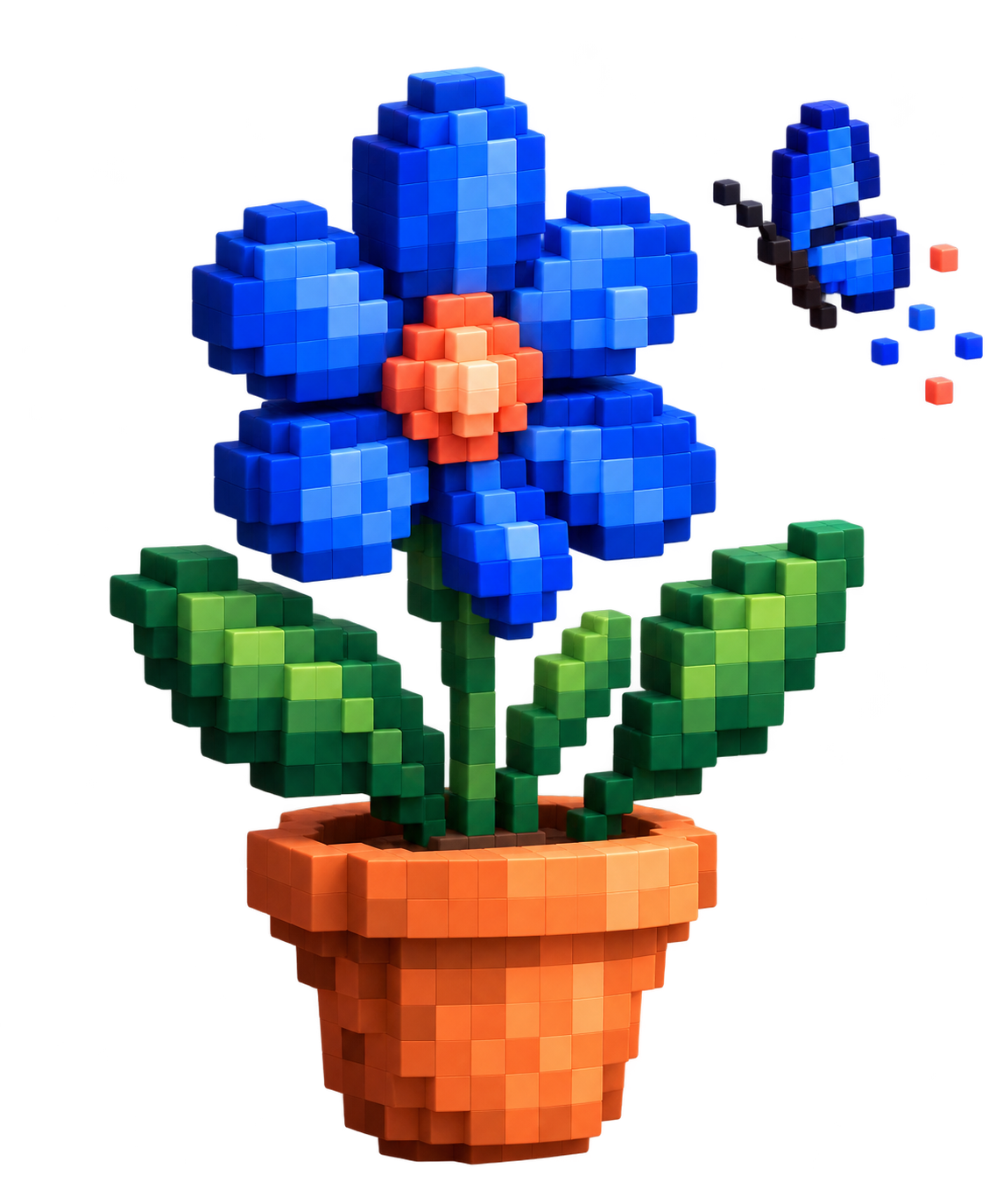
The tools are at your fingertips. The focal point of your drawing.
MAKE A PLACE FOR YOUR IDEA
A character, a small world or a memorable scene.
A face, an expression, a story.
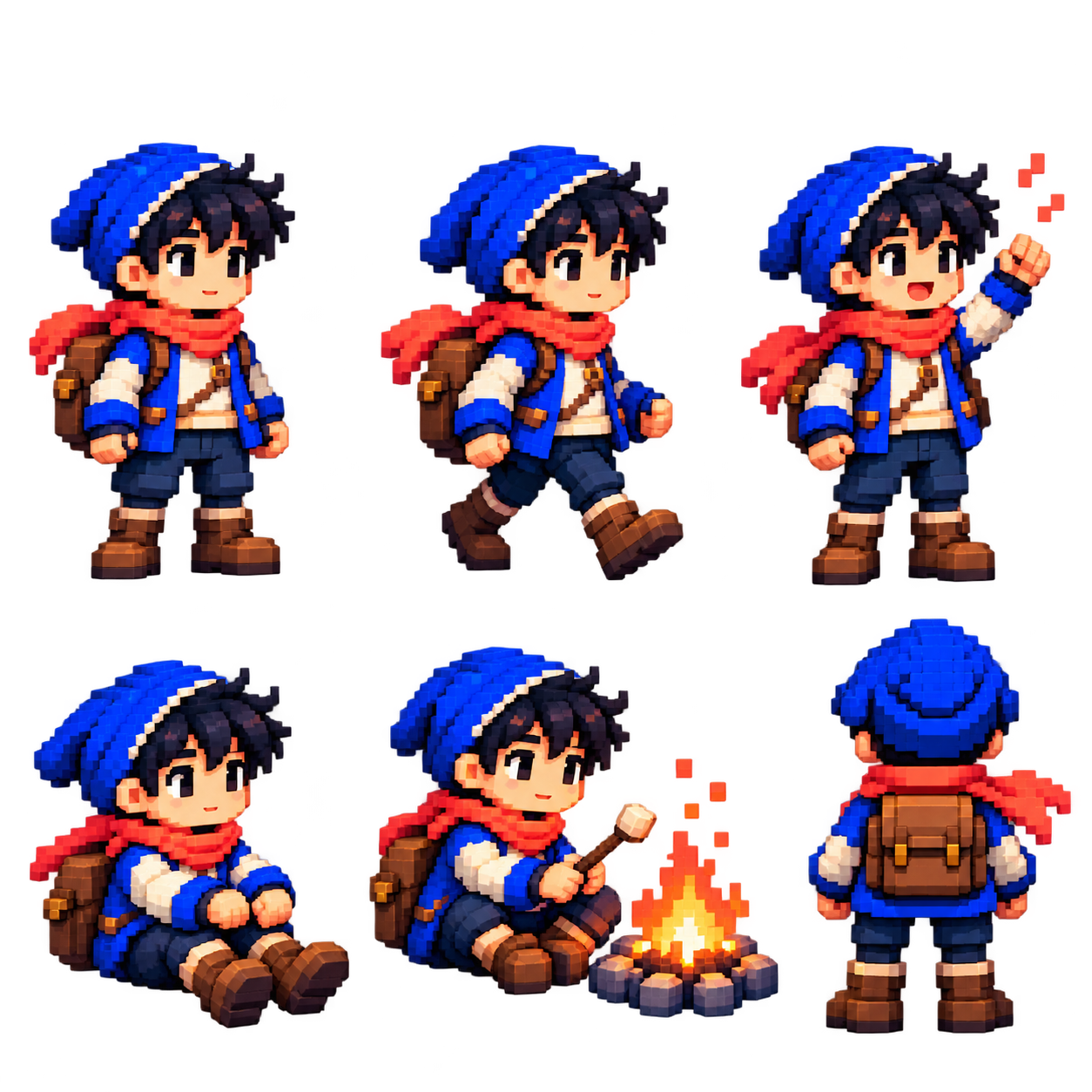
Design parts of your own universe.
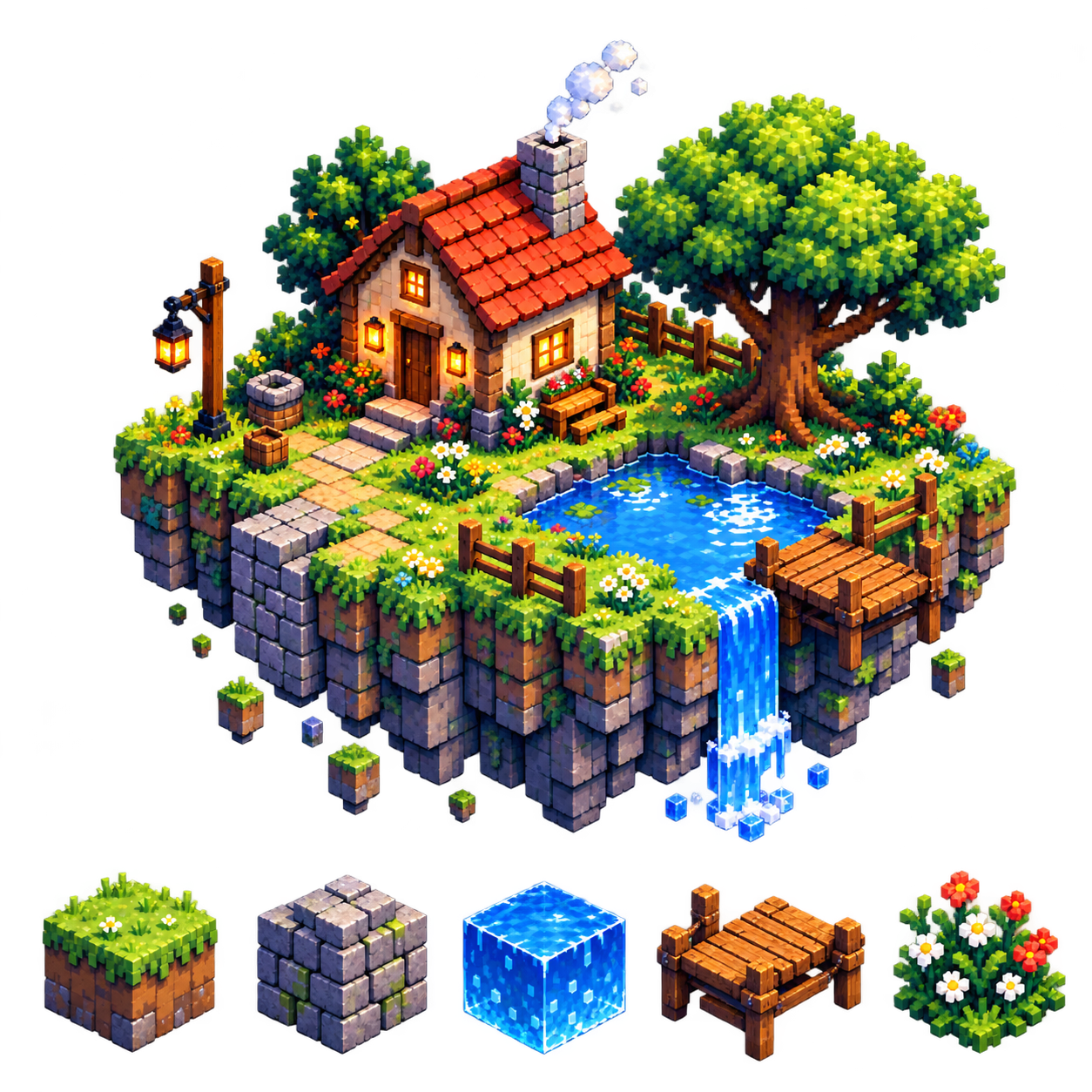
A memory, a dream, a landscape.
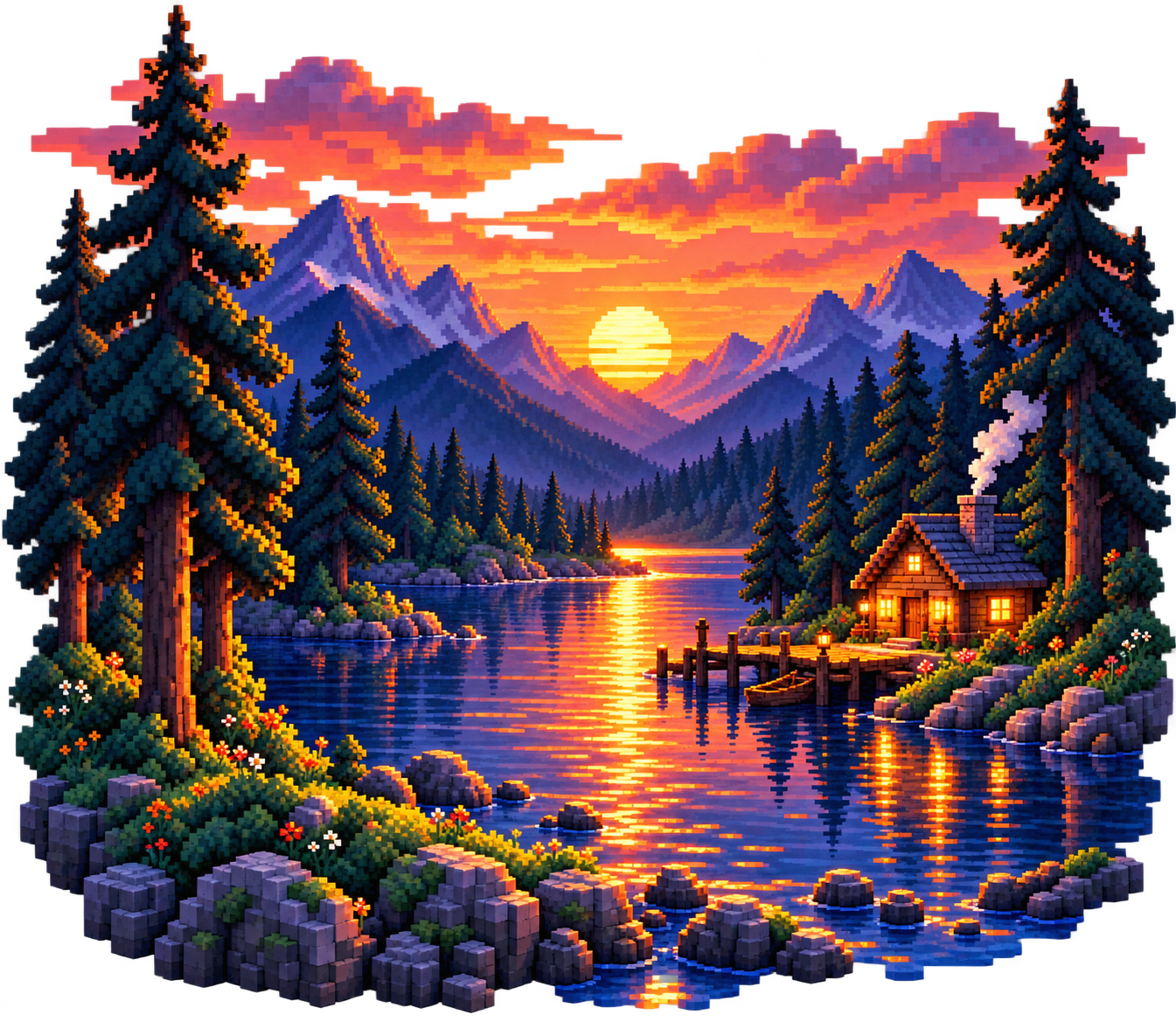
START SMALL. BUILD A WORLD OF YOUR OWN.
KNOW WHAT IS, MAKE YOUR DECISION
See clearly who will be participating, where your artwork will be stored, and when it will be shared.
Manage participation and drawing permissions separately.


Sample room permits
Track your save location and last save status.
Sample record view
The registration status appears in the editor.
Choose your visibility before publishing to the gallery.
Example for personal work
BEFORE YOU START
From the first pixel to the common drawing,
Here's what you're wondering.
Set the canvas size from the New Drawing option. Place your first pixel by choosing a pen and color.
No. You can start with colors and simple shapes on a small canvas and progress by experimenting at your own pace.
You can join with the invitation code shared by your friend from the Private Room option. Participation in the room and drawing permission are determined individually.
Yes, returning to your collaboration together another day is the core experience of Tintfolk. Registration and re-access details will be clarified during development.
Exporting as PNG is planned. Download steps and options will become clear as the editor is developed.
It is not yet clear which transactions will require an account. Guest drawing, storing work, and re-accessing private rooms will be considered together.
Open a question to see the answer.