
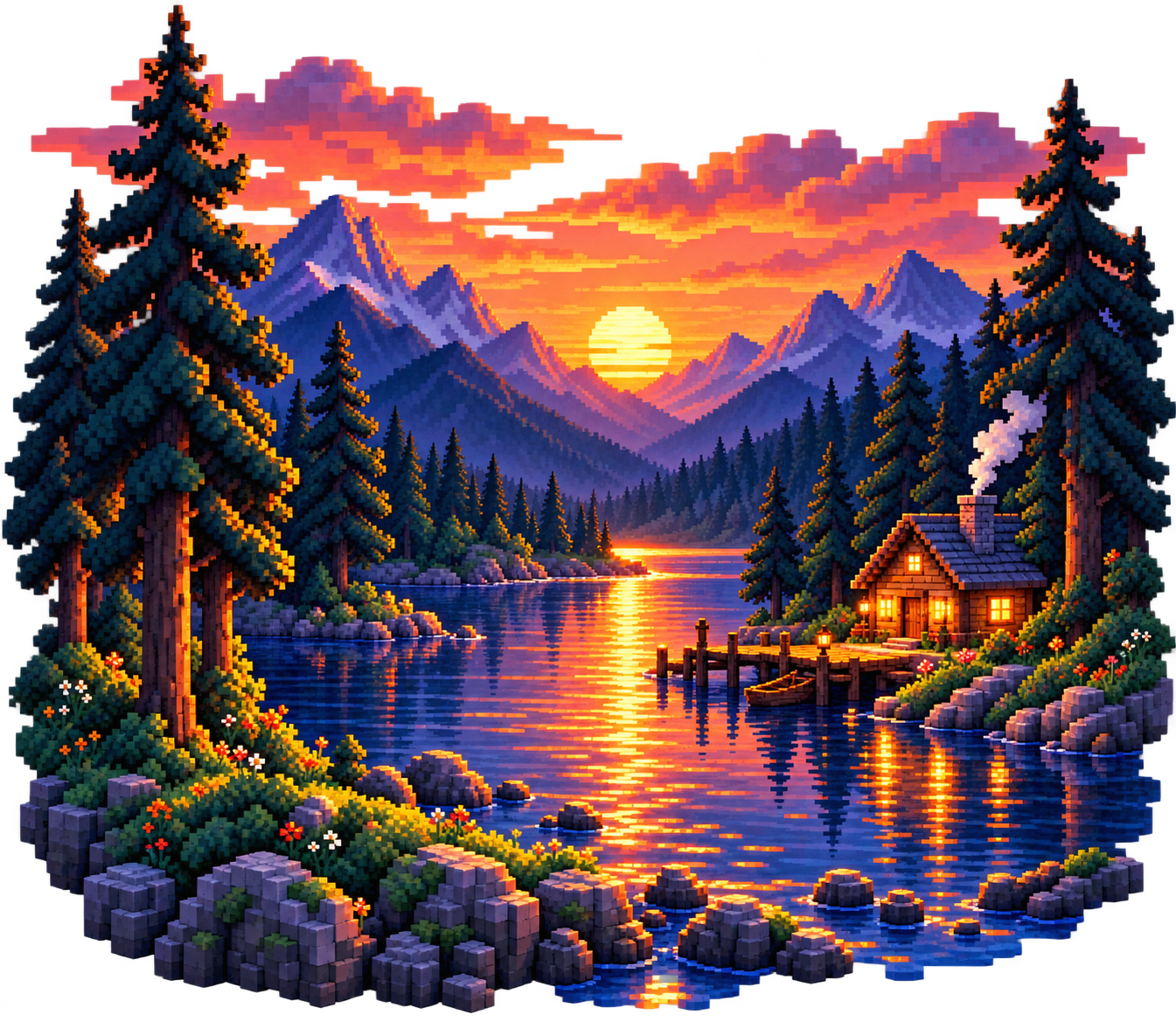
How do you select color palettes for pixel art?
The color palette is the set of colors you will use in your drawing. First, define the subject and the feeling of the scene: a warm sunset and a cool forest do not require the same color relationships.
Start with a small number of main colors. Instead of adding many shades for each object, see where the current colors can be used again. The common colors strengthen the integrity of the drawing.
Ready color palettes for your drawing
The starting palettes below are set up for this guide. You can copy HEX code by clicking on a color and paste it into the color area in the editor.
Select a color to copy.
Sunset
For warm skies, dark mountains and light reflections.
Forest and Nature
Green, earth and cream tones for plants and natural scenes.
Ocean
For water, waves and cool atmospheric drawings.
Pastel Objects
To work with soft colors in small objects and characters.
Sort colors for light and shadow
Select a key color, shadow and light tone for an object. The shadow does not just have to be a black-encrusted primary color; you can try to shift the tone in a colder direction. Use lighter and warmer tones in areas of light.

Outline
First, determine the shape of the object.

Main color
Paint the object with medium value color.

Light and shadow
Add open reflections and dark edges.
Check contrast for reading of the drawing
Edges can disappear when adjacent colors have similar brightness. Check the contrast between your character and its background so the silhouette stays readable.
If the main shape is still selected, the color distribution may be working. Check the silhouette and the direction of the light before adding details.
How do you use a color palette in your drawing?
Copy the HEX code of the color you requested. Open the editor and paste it into the color selector's HEX area. Paint the main areas with the filling; place the small details with the pen. Use the eyedropper to sample a color in the drawing.
First, complete the drawing in a few colors. Before adding a new tone, ask yourself: does this color bring a new light or depth information? If it does not, one of its existing tones may suffice.
Start drawing with colors →Frequently asked questions
How many colors should I use for pixel art?
There's not a single correct number. A simple object may require a few colors; detailed scenes may require a wider palette. First, define the primary colors, the need is quite broad.
What's the HEX color code?
It defines the digital value of a color. For example, #FF6858 is a coral tone. When the code is the same, another color selector uses the same RGB value.
Does each object require a separate palette?
Reuse common shade and light colors in different objects can make the drawing look more complete.
What can I do if the copy doesn't work?
You can select the HEX code that appears below the color and copy it manually and paste it into the color field in the editor.